I really like RomRaider, but it is ugly looking in linux - it uses the default 'Metal' look and feel for swing applications. So if you add this switch to the launcher for RomRaider, before '-jar', : -Dswing.defaultlaf=com.sun.java.swing.plaf.gtk.GTKLookAndFeel , it overrides the Metal L&F with default GTK widgets. So, instead of looking like this:
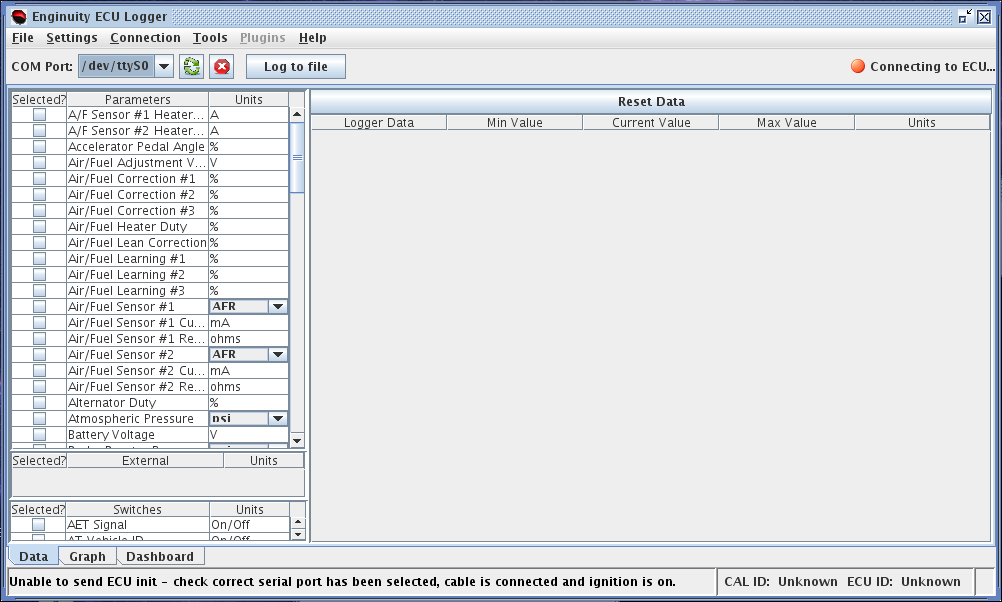
It now looks like this, just like everything else on my desktop (with a Mac OS X style widget set):
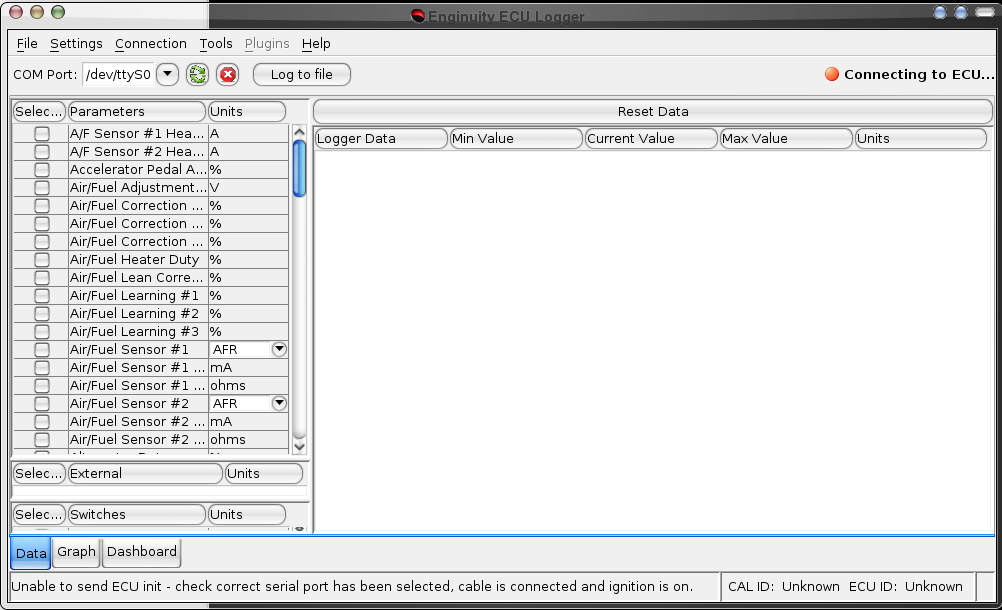
Note that this doesn't work with compositing windows managers (i.e. Beryl, Compiz, Compiz fusion)...they draw a blank window when you specify the GTK swing look and feel. I had to switch to metacity, launch RomRaider, then switch back to Beryl to get that screenshot. This is a known bug:
http://bugs.sun.com/bugdatabase/view_bug.do?bug_id=6429775
This is because java won't draw the window using GTK widgets until the window is first commanded to be repainted, which it never is because it is using a compositing manager. I have found coding work-arounds for this, so maybe I'll take a crack at making a special case for compositing window managers? There is a work around with Java 5 - putting the following in .bashrc, or a script that launches RomRaider, will make it use motif for drawing windows. RomRaider won't run from Java 5 (at least on my system), so this is a moot point, and motif is missing from Java 6, so this doesn't work, but here it is anyhow:
export AWT_TOOLKIT=MToolKit
So anyhow, this whole writeup doesn't help me much as I use Beryl in my car and on my home computer, but hopefully I'll be able to figure a solution for my case. But if someone uses plain old metacity, this can make things look much nicer. Thanks,
-Rich


